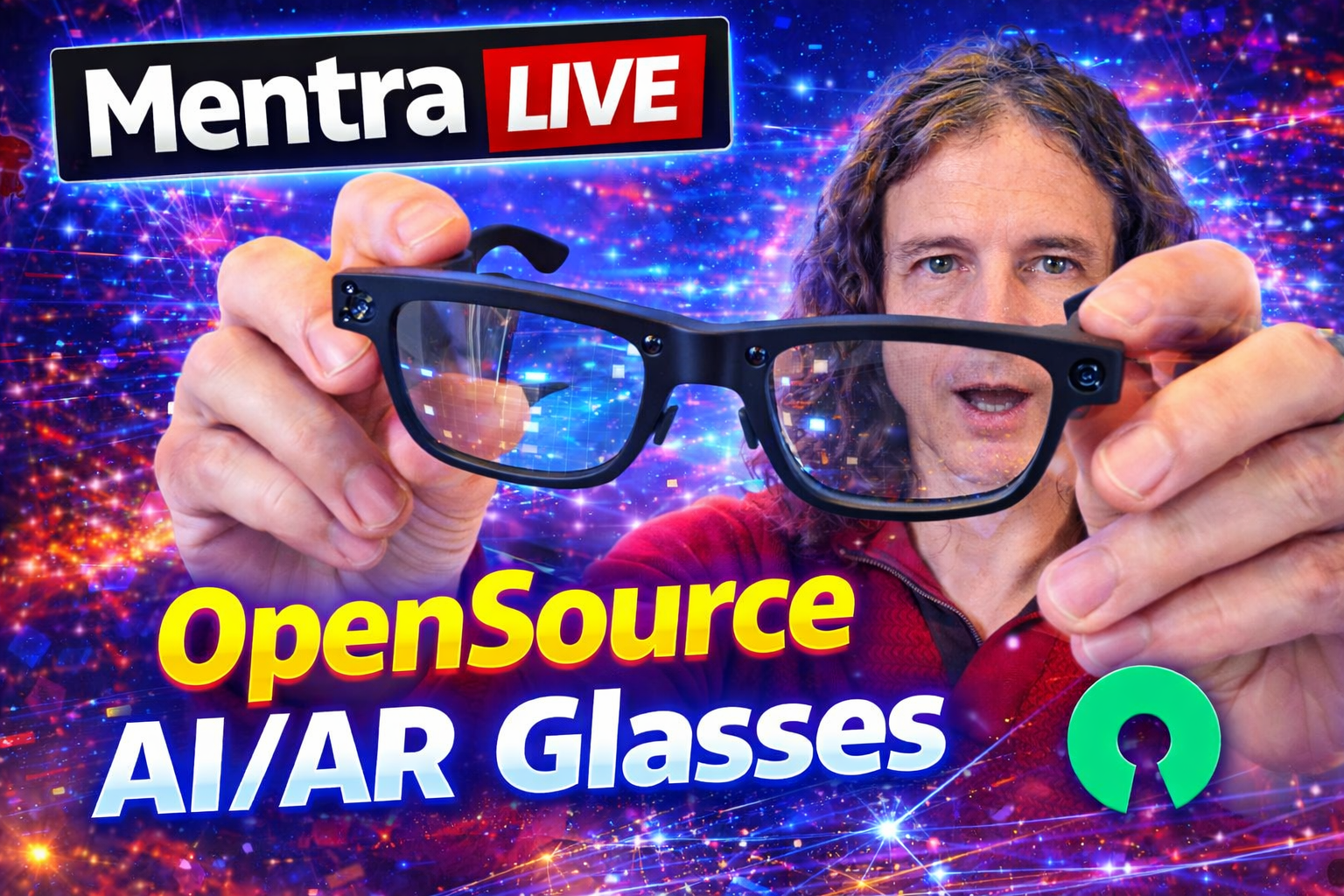
I wanted to put MentraOS's open-source commitment to the test. So I decided to clone one of their official apps—Mentra Note—and host it locally on my DGX Spark at home.
Mentra Note is an audio memory app that transcribes everything the glasses hear and uses AI to create summary notes.
As part of this test, I made several changes: I switched to a local LLM and disabled all external data sharing.
Getting Started
Check out the MentraOS developer docs to get started:
https://docs.menttraglass.com/app-devs/getting-started/overview
MentraOS offers a platform where the main MentraOS application manages and runs mini-apps built in JavaScript and React. These mini-apps can be hosted on your own server or computer.
A standout feature: MentraOS includes a built-in Speech-to-Text mobile app and shares it with the mini-app. This means you don't need to run your own STT model.
How Mentra Note Works
The Mentra Note app keeps the microphone open and listens for speech. When it detects speech, it grabs the transcription, saves it to the database, and summarizes it with AI.
My Fork of Mentra Note
I created a fork of Mentra Note to add local-first capabilities:
https://github.com/AfterNow/Mentra-Notes-local
I used OpenHands to automate the changes I wanted:
https://github.com/AfterNow/Mentra-Notes-local/pull/2
What Changed
The original Mentra Note app uses Cloudflare R2 for file storage and Claude or Gemini for summarization. I made the following modifications:
- Added local file storage — replacing AWS and Cloudflare R2
- Added local LLM support — using Ollama and llama.cpp
- Improved privacy — removed all usage/analytics trackers to prevent data leaks
Setting Up llama.cpp on My DGX Spark
I set up llama.cpp on my DGX Spark using these instructions:
https://build.nvidia.com/spark/llama-cpp/instructions
After downloading the Gemma 4 model, I started the server with:
cd /home/afternow/app/llama.cpp/llama.cpp/build
./bin/llama-server \
  --model ~/models/gemma-4-31B-it-GGUF/gemma-4-31B-it-f16.gguf \
  --host 0.0.0.0 \
  --port 30000 \
  --n-gpu-layers 99 \
  --ctx-size 8192 \
  --threads 8
MongoDB Setup
I tried running the app without MongoDB, but that didn't work. So I started a Docker container with MongoDB:
docker pull mongo
docker run --name mongodb-ainotes \
  -e MONGO_INITDB_ROOT_USERNAME=rootuser \
  -e MONGO_INITDB_ROOT_PASSWORD=rootpassword \
  -e MONGO_INITDB_DATABASE=ainotes \
  -p 27017:27017 \
  -d mongo --bind_ip_all
Development Workflow
OpenHands wrote the code and pushed it to GitHub. I pulled it into a dev container in VS Code to test.
To create an external HTTPS URL, I used Cloudflared and started a tunnel inside the Docker dev container.
Deploying to MentraOS
Once I had a publicly accessible URL, I set up the app on the Mentra Developer Portal:
https://console.mentraglass.com/
Important: You need a web-accessible URL where your app is running—whether on your computer or your own server. Mentra suggests using ngrok, but I used Cloudflare to create a tunnel from my Docker container:
cloudflared tunnel run --token mytoken
In addition to a web-accessible URL, you'll also need a logo or icon for your app.
Once that's done, the app shows up in your MentraOS app.
One Gotcha
After fixing a few bugs, I discovered an issue with the WebUI URL in the developer portal. It suggests a URL with /webview/ at the end—but for the AI Note app, this isn't needed. Removing it resolved the problem.
Final Thoughts
It all worked, and I was impressed with the result. It's straightforward overall. Gemma 4 on the Spark is a bit slow, but it works.
Conclusion
This experiment proved that a privacy-first AI glasses experience isn't just possible—it's practical and accessible today.
With MentraOS's open platform, you're not locked into any single company's ecosystem. You can fork, modify, and self-host your own mini-apps. Your data never leaves your hardware. No cloud dependencies. No corporate surveillance.
The stack is simple: open-source glasses, open-source software, your own hardware. That's it.
If privacy matters to you—and it should—this is the path forward. The tools exist. The code is out there. All you need to do is take control.
Want to build your own privacy-first mini-app? Start with the MentraOS developer docs linked above. The community is growing, and contributions are welcome.
What will you build?